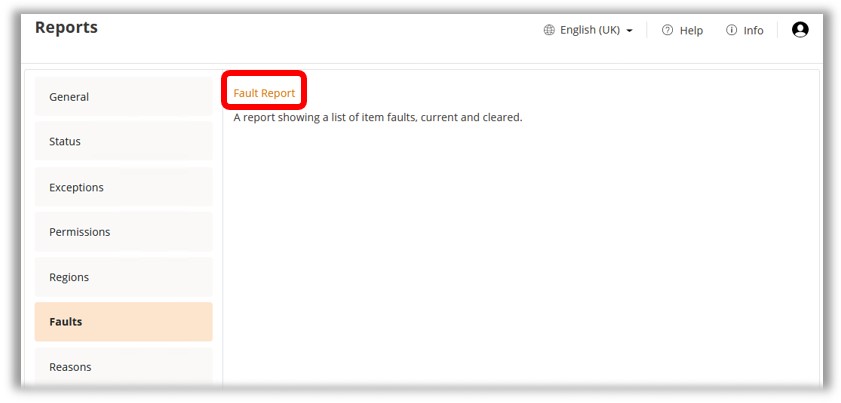
To access the Fault Report, select ‘Reports’ from the Navigation Menu and then select ‘Fault Report’.
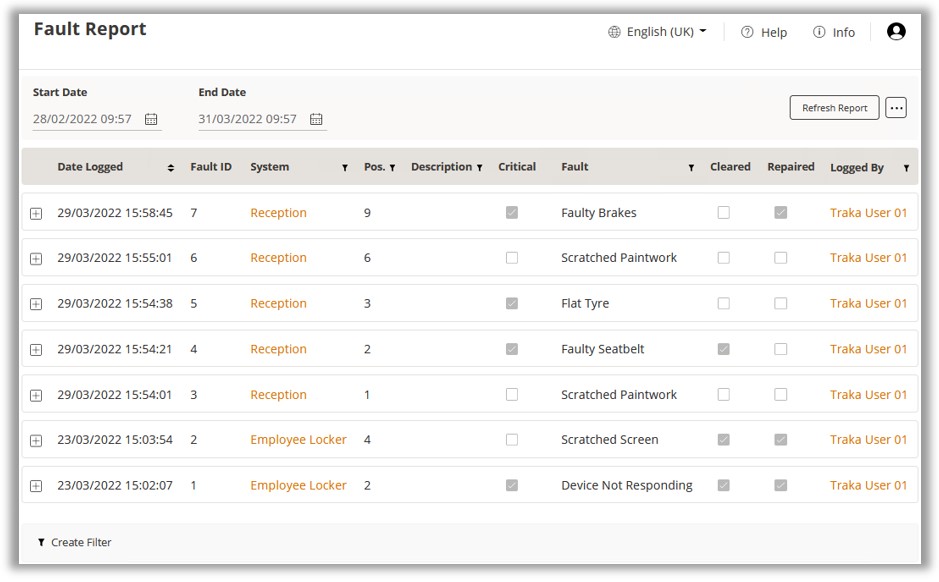
The Fault Report shows ‘cleared’ faults as well as outstanding faults. Various default columns are displayed containing information about each fault, including any repair notes that may have been entered when the fault was cleared. Optional columns can also be added. These include:
Fault Definition Long Description
Item Detail 1-11
User Detail 1-11
Repaired By
Repaired Date